
AI for Middle Schoolers
2026 Summer (Online)
AI For Middle Schoolers A
Instructor: Duran
Dates: June 14 – August 30
Sunday 5PM – 7PM CST
Prereq: Python B
Fee: $699
Class Description
AI for Middle Schoolers
Welcome to “AI for Middle Schoolers”! In this engaging and interactive class, students will explore the exciting world of artificial intelligence (AI). We’ll start with the basics, learning what AI is, how it works, and its impact on our daily lives. Through fun hands-on activities and projects, students will create simple AI models, experiment with machine learning, and even develop their own basic chatbots and games. By the end of the course, students will gain a foundational understanding of AI concepts and skills that can spark their interest in future technology studies and careers.
Prerequisite: Completion of Python A and B
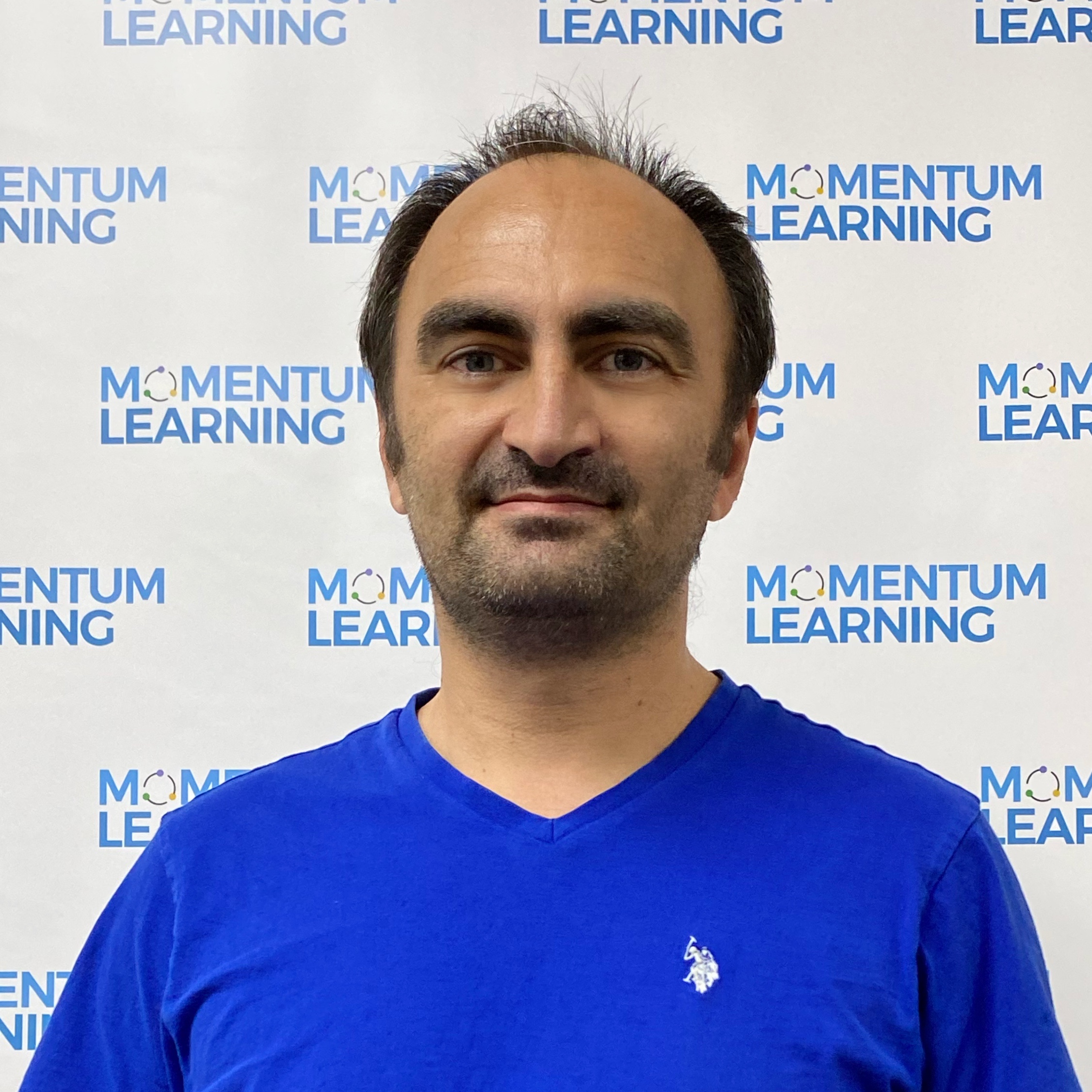 Mustafa Duran
Mr. Duran is a tech lead working for a major bank. Prior to his current role, he was a professor at a local university. He taught Introduction to Computer Science courses on Python and Java, Systems Programming, Operating Systems, and Data Structures courses. Mr. Duran has been focused on Image processing, Artificial Intelligence (AI), and Machine Learning (ML) in recent years.
Mr. Duran also implemented RNA signal alignment tool for the Neuroscientist using Python programming language, developed Python data analysis scripts including file & directory operations, retail store product data correction / cleaning and analysis in addition to using data visualization and data analysis tools such as matplotlib, pandas, etc.
Mr. Duran is passionate for teaching and education, especially with real-world programming languages such as Python and Java. He is eager to help younger students learn the fundamentals and foster an interest in programming.
Mr. Duran is married and has two amazing children. He enjoys cycling, seeing new places and travelling.
AI for Middle Schoolers A
Week 1: Introduction to AI
- Theory:
- What is AI?
- History and evolution of AI
- Real-world applications of AI (games, virtual assistants, etc.)
- Hands-On Practice:
- Interactive discussion on AI examples students use daily
- AI-themed scavenger hunt to identify AI-powered devices and applications at home or school
- Advanced Task: Write a Python script to classify images as AI-powered or non-AI-powered using a simple keyword-based algorithm
- Tools/Frameworks: Python, Jupyter Notebook
Week 2: Understanding Algorithms
- Theory:
- What are algorithms?
- Basic algorithms and their importance in AI
- Fun exercises to create simple algorithms
- Hands-On Practice:
- Create a step-by-step algorithm for a daily activity (e.g., making a sandwich)
- Use a visual programming tool (e.g., Scratch) to implement a simple algorithm
- Advanced Task: Implement and optimize a binary search algorithm in Python and compare its performance with linear search
- Tools/Frameworks: Python, Scratch, PyCharm or VSCode
Week 3: Machine Learning Basics
- Theory:
- Introduction to machine learning
- Supervised vs. unsupervised learning
- Simple examples and hands-on activities
- Hands-On Practice:
- Play with an interactive machine learning game (e.g., Teachable Machine by Google)
- Create a simple machine learning model using pre-labeled data
- Advanced Task: Use scikit-learn to build a basic classifier (e.g., Iris dataset classification) and evaluate its accuracy
- Tools/Frameworks: Python, scikit-learn, Jupyter Notebook
Week 4: Data and Data Collection
- Theory:
- Importance of data in AI
- How to collect and organize data
- Simple data collection projects (e.g., surveys)
- Hands-On Practice:
- Conduct a survey among classmates or family members
- Organize and analyze the collected data using basic spreadsheet tools
- Advanced Task: Write a Python script to scrape data from a website (e.g., news headlines) and preprocess it for analysis
- Tools/Frameworks: Python, BeautifulSoup, Pandas, Google Sheets or Excel
Week 5: Pattern Recognition
- Theory:
- What is pattern recognition?
- Examples of pattern recognition in everyday life
- Activities to identify patterns
- Hands-On Practice:
- Use pattern recognition to solve puzzles and games (e.g., Sudoku, crosswords)
- Create a project identifying patterns in nature or daily life (e.g., leaf shapes, traffic patterns)
- Advanced Task: Implement a Python program to detect patterns in time-series data (e.g., stock prices)
- Tools/Frameworks: Python, Pandas, Matplotlib
Week 6: Introduction to Neural Networks
- Theory:
- Basic concepts of neural networks
- How neural networks work
- Visual and interactive demonstrations
- Hands-On Practice:
- Use an online neural network simulator to see how they learn (e.g., Playground TensorFlow)
- Build a simple neural network model using visual tools or simple code
- Advanced Task: Implement a basic neural network using TensorFlow or PyTorch to recognize handwritten digits (MNIST dataset)
- Tools/Frameworks: Python, TensorFlow, PyTorch, Jupyter Notebook
Week 7: AI and Healthcare
- Theory:
- Applications of AI in healthcare
- Examples such as disease diagnosis, personalized medicine, and medical imaging
- Ethical considerations in AI healthcare applications
- Hands-On Practice:
- Research and present on a specific AI healthcare application
- Advanced Task: Implement a simple model to analyze medical data (e.g., predicting diabetes) using scikit-learn
- Tools/Frameworks: Python, scikit-learn, Jupyter Notebook
Week 8: AI in Education
- Theory:
- How AI is used in educational tools and platforms
- Examples of adaptive learning and personalized education
- Discussion on the future of AI in education
- Hands-On Practice:
- Experiment with AI-powered educational apps (e.g., Duolingo, Khan Academy)
- Advanced Task: Develop a simple AI tutor that quizzes students on a subject and adapts questions based on performance
- Tools/Frameworks: Python, Jupyter Notebook
Week 9: AI in Finance
- Theory:
- Role of AI in finance and banking
- Examples such as fraud detection, algorithmic trading, and credit scoring
- Impact of AI on financial markets and ethical considerations
- Hands-On Practice:
- Create a mock stock trading scenario and use a simple algorithm to make trading decisions
- Advanced Task: Implement a basic financial model to predict stock prices using historical data
- Tools/Frameworks: Python, Pandas, scikit-learn
Week 10: Natural Language Processing (NLP)
- Theory:
- Basics of NLP
- Examples of NLP (chatbots, translation)
- Creating a simple chatbot
- Hands-On Practice:
- Build a basic chatbot using online tools (e.g., Botpress, Dialogflow)
- Test and improve the chatbot by having conversations with it
- Advanced Task: Implement an NLP model using NLTK or SpaCy to perform sentiment analysis on social media posts
- Tools/Frameworks: Python, NLTK, SpaCy, Botpress, Dialogflow
Week 11: AI and Creativity
- Theory:
- How AI can create art, music, and stories
- Exploring AI-generated content
- Projects to create AI-assisted artwork or stories
- Hands-On Practice:
- Use AI tools to generate artwork or music (e.g., DeepArt, Magenta)
- Create a collaborative story or art piece with AI assistance
- Advanced Task: Develop a Python script that uses a generative model (e.g., GPT-3) to create poetry or short stories
- Tools/Frameworks: Python, OpenAI GPT-3, Magenta
Week 12: Preparing for the Final Project
- Theory:
- Review of all topics
- Group discussions and brainstorming for final projects
- Planning and starting the final project
- Hands-On Practice:
- Begin working on the final project in groups
- Allocate tasks and set milestones for project completion
- Advanced Task: Develop a project management plan using Python to track progress and milestones
- Tools/Frameworks: Python, Trello, Jupyter Notebook
AI for Middle Schoolers B
AI-Powered Smart Assistant
Description: Students will work in groups to create a simple AI-powered smart assistant that can perform basic tasks such as setting reminders, answering simple questions, and playing music.
Project Breakdown:
Week 1: Brainstorming and Planning
- Define the assistant’s capabilities and functionalities
- Assign roles and responsibilities within the group
- Hands-On Practice:
-
- Conduct brainstorming sessions
- Create a project plan and timeline
- Advanced Task: Use Python to create a project timeline and task tracker
- Tools/Frameworks: Python, Trello, Google Docs
Week 2: Data Collection and Preparation
- Collect data needed for the assistant (e.g., common questions, music files)
- Organize and preprocess the data
- Hands-On Practice:
- Gather and curate data from various sources
- Clean and format the data for use in the project
- Advanced Task: Write Python scripts for data collection and preprocessing
- Tools/Frameworks: Python, Pandas, BeautifulSoup, OpenRefine
Week 3: Developing Algorithms
- Create algorithms for each functionality (e.g., reminder setting, answering questions)
- Implement basic functions
- Hands-On Practice:
- Write and test simple algorithms for each task
- Integrate algorithms into a cohesive system
- Advanced Task: Implement and optimize algorithms for performance
- Tools/Frameworks: Python, PyCharm or VSCode
Week 4: Building the User Interface
- Design a simple user interface for interacting with the assistant
- Develop the interface using basic coding skills
- Hands-On Practice:
- Sketch and prototype the user interface
- Code the interface using a suitable programming language or tool
- Advanced Task: Use Tkinter or Flask to build a more advanced user interface
- Tools/Frameworks: Python, Tkinter, Flask
Week 5: Integrating Machine Learning Models
- Implement machine learning models for tasks such as answering questions
- Train and test the models with collected data
- Hands-On Practice:
- Choose appropriate machine learning models
- Train models with the dataset and evaluate their performance
- Advanced Task: Use TensorFlow or PyTorch to implement more sophisticated models
- Tools/Frameworks: Python, TensorFlow, PyTorch, Jupyter Notebook
Week 6: Adding Voice Recognition (optional)
- Integrate basic voice recognition capabilities
- Use existing APIs or tools for voice processing
- Hands-On Practice:
- Explore and integrate voice recognition APIs (e.g., Google Speech-to-Text)
- Test voice recognition features with sample commands
- Advanced Task: Develop a voice recognition module using Python’s SpeechRecognition library
- Tools/Frameworks: Python, SpeechRecognition, Google Speech-to-Text API
Week 7: Testing and Debugging
- Test the assistant’s functionalities
- Debug and improve performance
- Hands-On Practice:
- Conduct thorough testing of all features
- Identify and fix bugs or performance issues
- Advanced Task: Write unit tests for each component using Python’s unittest framework
- Tools/Frameworks: Python, unittest, PyTest
Week 8: Final Adjustments and Enhancements
- Add additional features if time allows
- Polish the user interface
- Hands-On Practice:
- Implement additional functionalities
- Refine the user interface for a better user experience
- Advanced Task: Optimize the code for performance and usability
- Tools/Frameworks: Python, Tkinter, Flask
Week 9: Preparing the Presentation
- Create a presentation showcasing the project
- Include demonstrations and explanations of how the assistant works
- Hands-On Practice:
- Develop a presentation outline and slides
- Prepare demonstration scripts and visuals
- Advanced Task: Use Python to create interactive presentation elements
- Tools/Frameworks: Google Slides, PowerPoint, Python, Jupyter Notebook
Week 10: Rehearsing the Presentation
- Practice presenting the project
- Receive feedback and make improvements
- Hands-On Practice:
- Conduct mock presentations in front of peers or teachers
- Incorporate feedback to enhance the presentation
- Tools/Frameworks: Google Slides, PowerPoint
Week 11: Final Presentation to Class
- Present the smart assistant to the class
- Answer questions and discuss the project
- Hands-On Practice:
- Deliver the final presentation
- Engage with the audience during the Q&A session
- Tools/Frameworks: Google Slides, PowerPoint
Week 12: Reflect and Celebrate
- Reflect on the learning experience
- Celebrate the completion of the course and projects
- Hands-On Practice:
- Share reflections and feedback on the course
- Organize a small celebration event
- Tools/Frameworks: None specific, group activities
Homework
Weekly homework will be assigned. We are expecting students to spend 1-2 hours to complete the homework.
The teacher will spend the first 15 minutes of each class to go over the key takeaways from the homework.